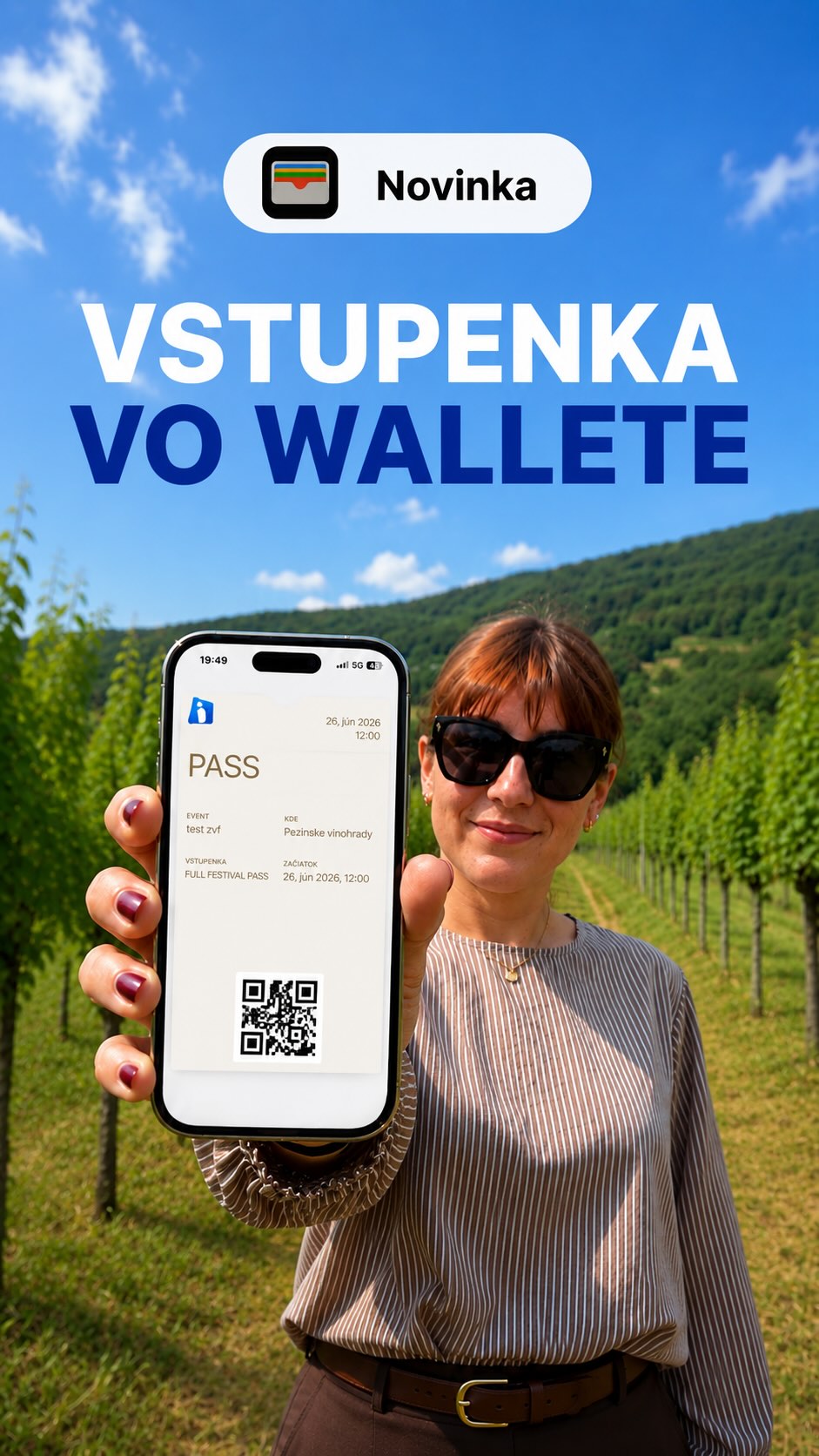
Tickets your visitors save to Apple Wallet or Google Wallet. They carry your design, logo and event description, and push notifications deliver a reminder, a programme change or parking info straight to the lock screen.
Your own ticket design and description
A wallet ticket looks exactly the way you want: colours, logo, event image and texts are all yours to set. Visitors always have the ticket at hand, with no digging through e-mails, and the QR code pops up automatically when they arrive at the venue.Notifications straight to the lock screen
Send every ticket holder a reminder the day before, a time change, transport info or an invitation to next year. The message appears as a notification on the ticket, with no app and no e-mail.Perfect for
- Festivals and concerts
- Conferences and congresses
- Sports matches
- Any event where you need to reach every visitor fast
Benefits of wallet tickets
- Ticket always at hand, no searching through e-mails
- Your own design, logo and event description
- Push notifications without an app
- Faster entry, the QR code shows up automatically
- Works in Apple Wallet and Google Wallet
How it works
-
1
Set up Wallet for the ticket
In the ticket type settings, choose the standard Wallet ticket design, or create your own.
-
2
Adjust the design
Set the background colour and text colour and upload your own image.
-
3
Add information for the visitor
On the back of the ticket you write practical instructions and links.
-
4
The visitor saves the ticket
In the standard confirmation email they find Add to Apple Wallet and Add to Google Wallet buttons.
-
5
Send a notification
You write the text, select the ticket types, and the message arrives on the holders' phones.
How it helps you
-
Faster entry
No need to search for the ticket in emails.
-
A message straight to the phone
You send a reminder or a programme change without an app and without email.
-
You know how many it went to
After sending, you see how many devices the notification went to.
-
Works on iPhone and Android
Apple Wallet and Google Wallet.
More options
-
You send a notification to everyone, or only to holders of selected ticket types.
-
When you change the information on the ticket, holders can get an alert.
-
Before saving, you can preview the back of the ticket.
-
With a custom email template, you can turn off attaching the Wallet file to the email.
Explore More Features
New event in 15 minutes
Sell tickets online
Custom tickets graphic
Dynamic registration forms
Guest list for guests and partners
Email invitations
Discount codes
Inviton Scheduler
Marketplace for Secure Secondary Ticket Sales
Access control
Visitor check-in
On-site ticket sales
On-site print
Attendee signatures at your event
Face recognition check-in
Event Web App
Mobile apps
Visitor management
Open Cashless Solution
Audience interaction
Real-time reports
Certificates with credits
Inviton in ChatGPT
Want to try it at your event?
Join thousands of event organizers who trust Inviton for their events.