
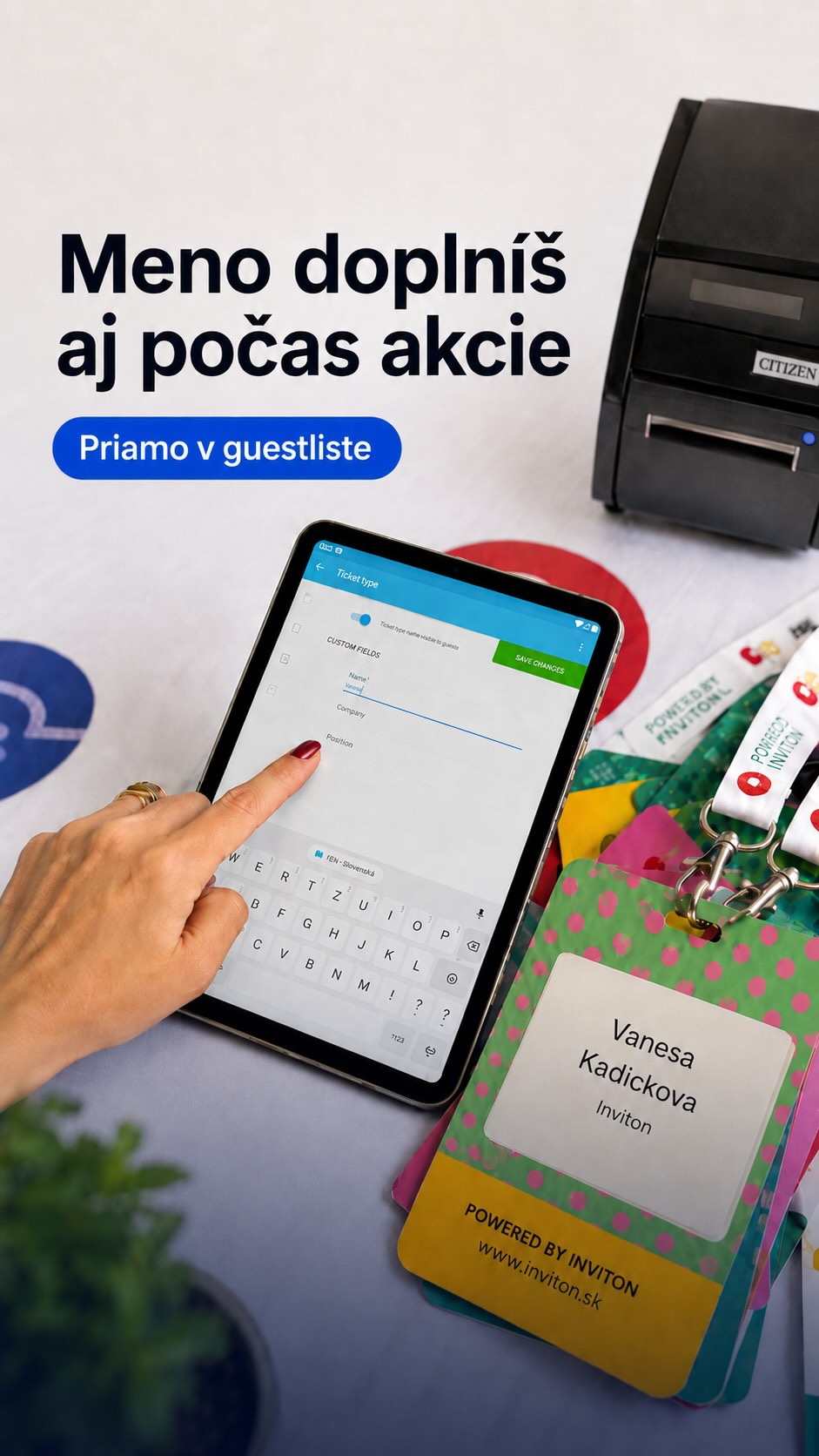
Many guestlist app solutions focus on the check-in part, but none of them thinks about how to effectively fill the data in. We've redefined how guestlist app works and how the guestlist data are entered
Example:
You have a partner that sponsors you, but in return wants 20 tickets for your event. In such situations it's unfortunately very common that these tickets end on craigslist and you lose potential visitors who buy the cheaper tickets.
By using our guest list app, you specify the number of entries and partner receives a secured management link. Here can he specify the names of the persons that should be let inside.No more copy-pasting from the emails, no more haggling with your tickets
- Complex tablet-based solution for your attendee list
- Elegant solution for guest list collection and endless excel and email merging
- Define guest list, define how many visitors is the partner allowed to add and leave the rest for them
- Effectively prevents haggling with partner tickets
- Ability either to only add the attendee or to send him/her an RSVP invitation
- Tablet attendee list app, solution worthy of this era
Key features
- Manage visitors from list creation to check-in
- Import, export, and manual editing
- Assign partners how many guests they can add
- Duplicate control and RSVP
Benefits
- No more chaos in Excel sheets and emails
- Full control over ticket distribution
- Prevent ticket misuse
- Clear tablet-based guest list without delays
How it works
-
1
Create a guest list
Give it a name and choose the ticket type and the number of places. For example, “Sponsor” with 10 places and “Band” with 6.
-
2
Send the link
By email straight from Inviton, or copy it and send it yourself. The recipient doesn't need an account or a password.
-
3
The recipient adds their guests
They enter the names one by one or all at once. They can't add more guests than you allowed.
-
4
Every guest has a ticket
It has its own QR code, and you scan it at the entrance just like a purchased one. If you turn on sending, the guest gets it by email.
How it helps you
-
You don't retype anything
The names are entered by the person inviting the guests.
-
You stay in control
The number of places can't be exceeded, and at any time you see how many are taken and how many are left.
-
No arguments at the door
Whoever has a ticket goes in. If someone important is missing, you add them on the spot.
-
You know who actually came
You see how many guests have been added and how many of them are already inside.
-
Every partner has their own list
You can have as many guest lists as you need, each with its own number of places and its own manager.
More options
-
You can also add guests yourself or import them from Excel.
-
You can increase the number of places at any time.
-
When tickets are sent by email, the guest's email address is required. You can also turn on a check so the same person isn't added twice.
-
Want to know in advance who is coming? Send an RSVP invitation with I'm coming and I'm not coming buttons.
Explore More Features
New event in 15 minutes
Sell tickets online
Custom tickets graphic
Dynamic registration forms
Wallet tickets
Email invitations
Discount codes
Inviton Scheduler
Marketplace for Secure Secondary Ticket Sales
Access control
Visitor check-in
On-site ticket sales
On-site print
Attendee signatures at your event
Face recognition check-in
Event Web App
Mobile apps
Visitor management
Open Cashless Solution
Audience interaction
Real-time reports
Certificates with credits
Inviton in ChatGPT
Want to try it at your event?
Join thousands of event organizers who trust Inviton for their events.