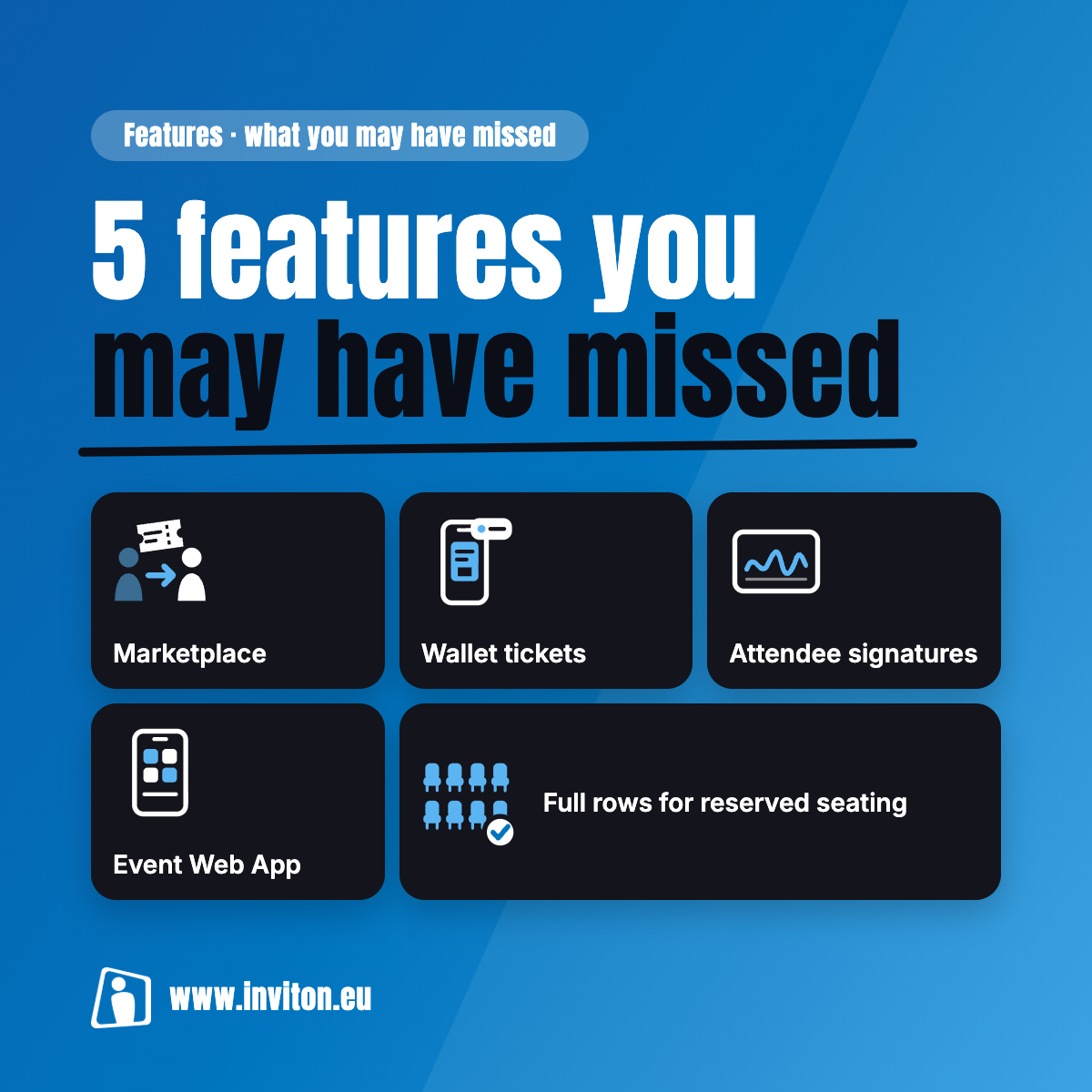
5 Inviton features you may have missed
Most organizers use Inviton to sell tickets and check guests in. But Inviton also has features people only ask us about when they urgently need them. We picked five that are worth knowing before you start planning your next event. 👇
🔁 Marketplace: resale under your control
A visitor bought a ticket and cannot come. Without a marketplace they offer it on social media and you have no idea who will show up with it. With the marketplace they sell it to the next person directly in Inviton.
- ✔️ The original QR code is deactivated and the new holder is registered automatically.
- ✔️ You see every transfer in the admin and can set a maximum price.
- ✔️ You can charge a service fee for each transfer.
📲 Wallet tickets: a ticket that can send a message
A ticket in Apple Wallet or Google Wallet carries your logo and your design. The visitor does not have to search their inbox and has the QR code at hand at the entrance.
The biggest benefit is something else, though. You can send ticket holders a notification straight to their lock screen, and they do not need to download any app. It is handy for a programme change, parking information or a reminder the day before the event.
✍️ Attendee signatures without paper
Trainings, congresses and events where you have to prove attendance cannot do without an attendance sheet. A paper one means a queue at the desk and retyping after the event.
In Inviton the host finds the guest on a tablet and the guest signs directly on the screen. It takes a few seconds per person. After the event you download an export of the attendance sheet with all signatures.
👉 More about attendee signatures
📱 Event Web App: the whole event in one link
Programme, speakers, partners, news, questions for speakers, polls and 1:1 meetings. Everything runs in the mobile browser, with no app to download. Attendees activate their profile with the QR code on their ticket.
The programme and speakers are taken from the Agenda, so you never fill anything in twice.
👉 More about the Event Web App
💺 Always full rows for reserved seating
A single empty seat in the middle of a row is hard to sell. For seating maps you can therefore set whether a buyer may leave one behind:
- ✔️ Allowed – the buyer may leave one empty seat anywhere in a row.
- ✔️ Edges only – the buyer may leave one empty seat only at the edge of a row.
- ✔️ Forbidden – the buyer cannot leave one empty seat anywhere in a row.
If the buyer's selection would create a single empty seat, the system warns them and highlights the affected seats. As the organizer, you assign seats without any restriction.
➡️ Where to find it: Event settings → Venue → Single-seat gap
🧠 You already have all of this in Inviton
None of these features is something you have to wait for. If you want to turn one on and do not know where, or you are not sure whether it fits your event, write to us or book a DEMO at www.inviton.eu.
Contact
Inviton s.r.o.
Nové Záhrady I, č.11,
821 05 Bratislava
Slovak republic
Do you use our event management platform and need help? Do not hesitate to contact us.